Build a Boss Controls & Interface
Move, build, and fight cleanly on desktop or mobile in the Ro2D boss arena.
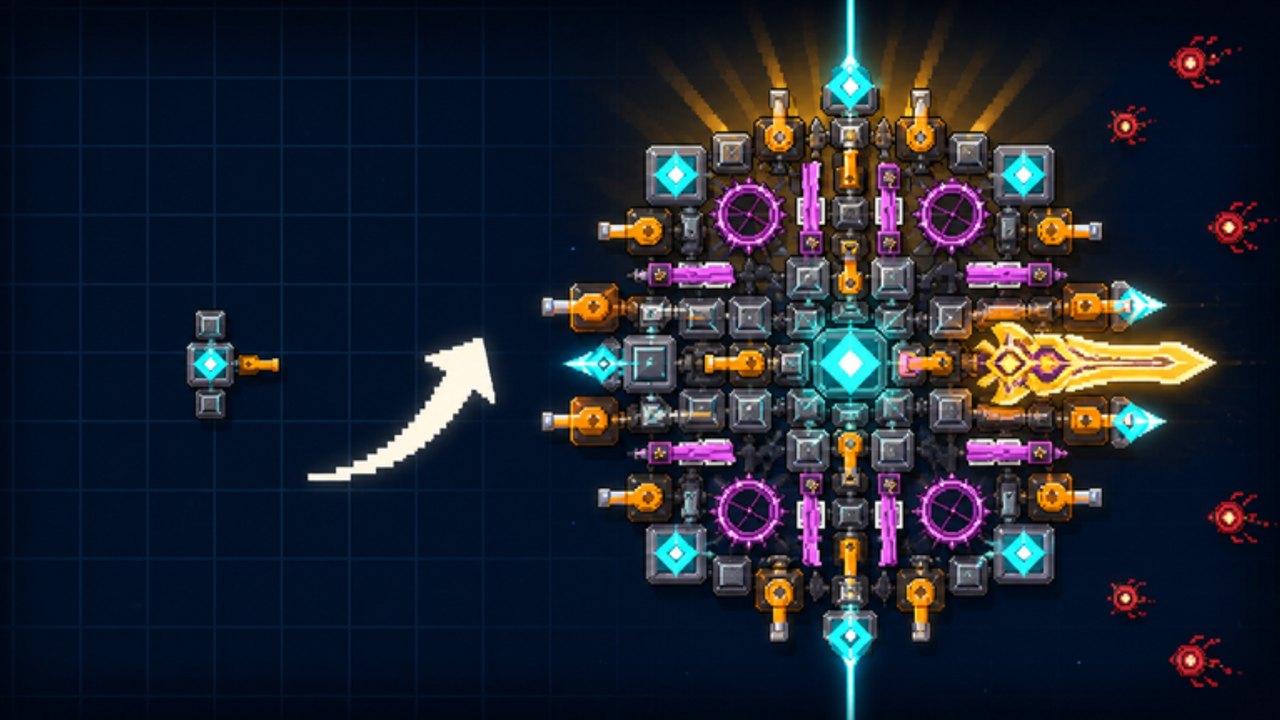
Clean inputs win fights in [ENDLESS] Build a Boss. The game runs on Ro2D, taapr studios’ 2D pixel engine on Roblox, so you are piloting a constructed boss through side-view (or similar 2D) combat while swapping into a build/shop flow between levels. Exact keybinds can vary by device and Roblox settings—always confirm in your in-game settings / on-screen buttons. This guide covers the control jobs you must master, desktop vs mobile habits, and practice drills that raise clears per hour for farming and three-star attempts.
New players should skim Getting Started first, then return here when placement or piloting feels clumsy.
Control jobs (what you need to do)
Regardless of platform, you must be able to:
- Move the boss or camera focus during fights.
- Attack / fire using mounted guns and lasers (often automatic once placed—verify behavior in your session).
- Open the shop / build UI between fights.
- Select, place, rotate, and remove parts (guns, lasers, armor).
- Confirm rebuilds / sells without mis-tapping expensive pieces.
- Start the next level and read the results screen (stars, cash, gems).
- Open menus for settings, people list, and leave.
If any job feels unclear, pause in a safe lobby moment and hover or tap UI elements until you map them. Do not learn critical remove/sell buttons mid-panic.
Desktop habits
Desktop usually wins for precise part placement:
- Use a mouse for grid-aligned armor and laser sightlines.
- Keep the hand that moves WASD (or your movement keys) relaxed—death-gripping causes overcorrection.
- Bind or remember Roblox’s standard escape / menu keys so you can mute or leave without rage-quitting the wrong way.
- Zoom / camera: if Ro2D offers zoom, set a default that shows both your silhouette and incoming threats.
Placement tip: align Burst/Beam Laser roles with long lanes using the mouse; tiny misalignments waste pierce value. See How to Build a Boss.
Mobile / touch habits
Touch works, but fat-finger errors are real:
- Use a stable grip; consider a stand for long farm sessions.
- Zoom the build UI before selling parts so you do not scrap the wrong plate.
- Prefer deliberate taps over swipe spam when confirming purchases—cash and gems matter.
- If virtual joysticks drift, recenter them between levels.
- For star attempts, desktop is often easier; farm on mobile if that is what you have, then switch for hard ratings when possible.
Build-mode control checklist
Before every serious push, practice this once:
- Enter build/shop.
- Select a Plate Armor role part and place it on the hit face.
- Select a Starter Gun role and ensure the barrel faces the fight direction.
- Select a laser role and draw a long clear beam path.
- Remove a junk part on purpose, then undo/replace if the UI allows.
- Exit build and enter a known easy level as a smoke test.
Run the fuller pre-fight list on Build Checklist.
Fight-mode control checklist
During combat:
- Keep the boss where your guns have targets and your armor faces the threat.
- If movement lets you dodge telegraphs, prioritize spike avoidance over greedy positioning.
- Do not open menus mid-wave unless pausing is safe.
- Watch HP as a control signal: dipping early means you need better piloting or more plates—diagnose after the run.
Better piloting raises income (farming guide) because success rate and clear speed both climb.
Settings worth checking
Inside Roblox and in-experience menus:
- Graphics level — stable FPS beats max pretty pixels for timing.
- Volume — audio cues may telegraph spawns; keep SFX audible.
- Performance on low-end phones — lower graphics if input lag appears.
- Privacy / people — mute noisy lobbies (max 10 players) when farming.
Common control mistakes
- Selling the wrong part because the UI was zoomed out.
- Placing guns facing the wrong direction.
- Blocking laser lanes with your own armor.
- Moving into spike telegraphs you could have sidestepped.
- Panic-tapping shop buys during tilt.
- Ignoring device difference—copying a desktop laser layout poorly on mobile without re-aiming.
- Never practicing rebuild hot paths until a zone wall forces a frantic redesign.
Practice drills (15 minutes)
Drill A — Placement accuracy Rebuild a Balanced Fortress silhouette twice. Time yourself. Goal: faster coherent builds without misclicks (Best Builds).
Drill B — Lane lasers Place only a laser role and armor; fight a dense early/mid level; adjust angle between attempts until pierce feels obvious.
Drill C — Calm shop After a failed push, force a 60-second pause before any purchase. Open Parts Tier criteria in your head, then buy once.
Drill D — Farm cadence Run the same farm level five times focusing only on smooth movement. Compare deaths to your normal messy runs.
Accessibility & comfort
- Take breaks—Ro2D sessions blur together across 75 levels.
- Increase UI scale if Roblox / device options allow and buttons are hard to hit.
- Use headphones for SFX if visuals are busy.
- Play seated with wrists supported during long zone grinding.
Linking controls to the rest of the wiki
| Problem | Page |
|---|---|
| Do not know what to build | How to Build a Boss |
| Need stars | How to Get 3 Stars |
| Need money | Cash & Gems Farming |
| Lost in campaign | Zones & Levels |
| Need pre-fight list | Build Checklist |
| Lobby noise | Players Hub |
Related hubs
- Guides Hub — all tutorials
- Tools Hub — planning tools
- Tier List Hub — what your controls are delivering damage for
Mastering controls will not replace a bad part mix, but bad controls will waste a great mix. Map every job on your device, practice placement until rebuilds are calm, and let clean inputs turn shop power into actual clears across all ten zones.
Frequently Asked Questions
Quick answers for Build a Boss players.
What are the exact keybinds?
They depend on your device and Roblox settings. Use on-screen prompts and the in-game settings menu; this guide focuses on the control jobs every player must master.
Is desktop better than mobile?
Desktop usually makes precise part placement and laser alignment easier. Mobile is fine for farming; switch to desktop for hard three-star pushes when you can.
Why do my lasers feel weak?
Check alignment and blocked lanes. Reposition so beams cross spawn corridors, and confirm you invested in a real laser role—not only guns.
How do I avoid selling the wrong part?
Zoom the build UI, confirm selections before selling, and never scrap parts while tilted after a loss.