Build a Boss Tools & Checklists
Practical planning workflows so every shop trip and fight attempt has a purpose.
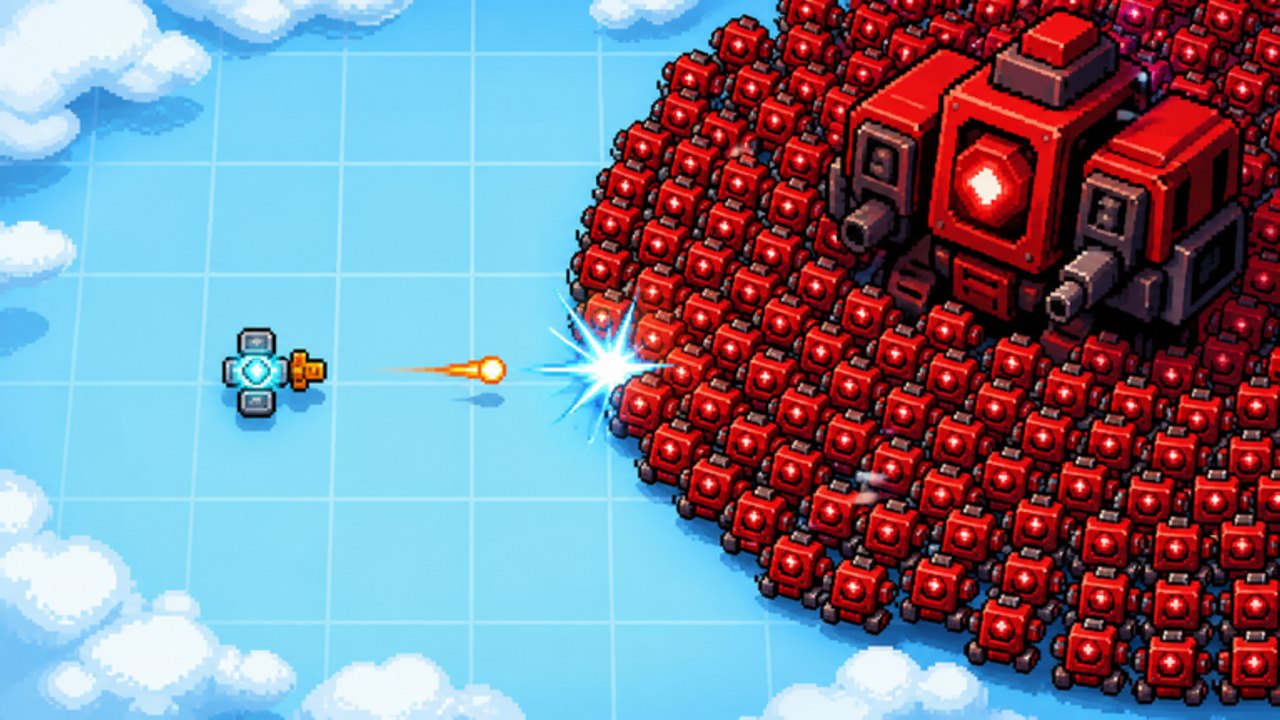
The Tools Hub collects planning workflows for [ENDLESS] Build a Boss. This is not a script injector and not a third-party cheat panel—it is a set of player-facing checklists and routines you can run before fights, during farm sessions, and after patches. taapr studios’ loop (buy guns / lasers / armor → fight 75 levels across 10 zones → earn cash & gems → chase 3 stars) rewards deliberate process. Tools turn that process into repeatable steps.
Primary tool pages:
- Build Checklist — markdown checklist covering fail-mode diagnosis, role balance, placement, currency budget, and go/no-go for pushes.
- Progress Tracker — printable zone clears, 75-level batches, 3-star backlog, farm printer log, and rebuild history.
Support the tools with Guides Hub, Tier List Hub, and Players Hub.
Why a wiki needs tools pages
Guides teach concepts. Tier lists rank roles. Tools answer: what do I do in the next ten minutes? When you are tilted after a loss in a 10-player lobby, a checklist beats vibes.
Use tools when you:
- Hit a zone wall (Zones)
- Burn cash on impulse buys (Farming)
- Miss stars repeatedly (Three Stars)
- Rebuild after a patch (Updates)
- Switch archetypes (Best Builds)
Workflow A — Pre-fight build review (5 minutes)
- Open Build Checklist.
- Write the target level and last fail mode.
- Score gun / laser / armor roles with the Parts Tier rubric (mental scores are fine).
- Fix one gap—buy or reposition.
- Smoke-test on a known clear.
- Push once.
This workflow alone stops most panic shopping.
Workflow B — Farm block (20 minutes)
- Choose a farm level using farming guide rules.
- Disable “experimental rebuilds” for the block.
- Run repeats; track deaths mentally.
- End block → single planned purchase.
- Optional: one star attempt if the farm level is at 2 stars.
Workflow C — Star attempt block (25 minutes)
- Confirm the level is already clearable.
- Run checklist with star bias (DPS + safety).
- Attempt → note result (1/2/3 stars).
- Change one variable.
- Cap attempts; return to farm if stuck.
Workflow D — Post-patch reset (30–40 minutes)
- Re-read core part tooltips.
- Scrap obvious dead weight.
- Re-pick archetype (Best Builds).
- Farm mid-safe levels to re-fund.
- Push the previous wall with checklist discipline.
How the Build Checklist tool is structured
The dedicated page groups boxes into:
- Target & fail mode
- Currency budget (cash vs gems)
- Role balance (guns / lasers / armor)
- Placement & controls sanity
- Archetype identity
- Go / no-go gate
- After-action notes
Copy it into a note app or keep the tab open on a second monitor. Mobile players can scroll the list between fights.
What these tools are not
- Not Roblox exploits or auto-farm bots
- Not unofficial APIs
- Not fake calculators inventing damage formulas we cannot verify
- Not code redeemers (there are no codes at launch—Codes Hub)
If someone DMs a “free gem tool,” leave—see etiquette on Players Hub.
Suggested bookmark set
- Build Checklist
- Progress Tracker
- Parts Tier
- Cash & Gems Farming
- How to Get 3 Stars
- How to Build a Boss / Rebuild vs Upgrade
With those tabs, you can diagnose almost any soft-lock and keep long-term clears honest.
Extending your own toolkit
Power users can add personal notes:
- Best farm level ID per zone band
- Preferred archetype per zone
- Patch date when a part role felt strong
- Star backlog list (levels at 1–2 stars)
Keep personal notes outside the game so lobby chat stays clean.
Related hubs
- Guides Hub — deep how-tos
- Tier List Hub — rankings feeding the checklist
- Players Hub — sharing tips without toxic spam
- Getting Started — if you are brand new
Open the Build Checklist next and run Workflow A before your next push, then keep the Progress Tracker updated after the session. Tools exist to make your guns, lasers, and armor decisions boringly correct—and boringly correct clears win campaigns.
Frequently Asked Questions
Quick answers for Build a Boss players.
What tools does this wiki offer?
Player planning tools—the Build Checklist and Progress Tracker—plus workflows for farming, starring, and post-patch rebuilds. No cheats or exploits.
Is the Build Checklist required?
No, but it prevents panic buys and unfocused retries. Use it when you hit walls or miss stars, and log long-term clears on the Progress Tracker.
Will you add a damage calculator?
Only if we can ground numbers in verifiable in-game data. Until then, role rubrics and checklists stay more honest.
Are these related to promo codes?
No. Codes are tracked separately and there are none at launch.